
|
|
||||||||||
PC Won't Run Windows 11? Consider Linux Instead
You still have some options!
Keywords:
computer, windows, october, security, option
Key Takeaway:
Windows 10 is dead at this point.
Category Insights:
LINUX — Linux offers stability, control, and flexibility for servers and power
users.
Windows 10 has reached the End of Support — What Should You Do With Your Older Computer?
Windows 10 reached the end of support on October 14th, 2025.
Microsoft will no longer provides free security fixes via Windows Update. Your computer will
continue to run, but the longer you stay on an unsupported system, the more exposed you
become to new security threats and compatibility problems. Below are the main paths forward,
each with its own advantages depending on how you use your computer and how much you want to
invest.
end Windows 10 and impose unnecessary hardware requirements for Windows 11 was an arbitrary
decision by Microsoft This has left a lot of people upset.
| Reference |
|---|
| #0090 Microsoft Why Windows users are getting increasingly frustrated |
Option 1: Keep Using Windows 10 As‑Is
You can continue using your Windows 10 computer exactly the way it is. Nothing will suddenly break on October 14th, and all your programs and files will remain available. The downside is that the system will no longer receive security patches, which means new malware and online threats will increasingly target it. Over time, certain websites—especially banking and financial services—may refuse to load on outdated systems. This option is only reasonable for people who use the computer lightly, mostly offline, or who fully understand the risks of running an unsupported operating system.
Option 2: Extend Windows 10 With Microsoft’s ESU Program
Microsoft now offers Extended Security Updates (ESU) for Windows 10, providing up to three additional years of security patches through October 2028. These updates focus strictly on security; no new features or improvements are added. Microsoft has also introduced a new incentive: if you use the built‑in Windows Backup tool to back up your files and settings to OneDrive, you can receive one free year of ESU coverage. This gives you more time to plan your next steps while keeping your system protected. After the free year, you can continue ESU on a paid basis if you choose. This option is ideal for users who want to delay buying a new computer or who rely on software that only runs on Windows.
Option 3: Move to a Used or Refurbished Windows 11 Computer
If your current computer cannot run Windows 11, a used or refurbished Windows 11 machine is often the most cost‑effective upgrade. Many refurbished business‑class systems offer excellent performance and reliability at a fraction of the cost of new hardware. Your files can be transferred easily, and you’ll gain access to modern security features and ongoing updates. This option is a strong middle ground for users who want a supported Windows system without the expense of buying brand‑new equipment.
Option 4: Buy a New Windows 11 Computer
Purchasing a new Windows 11 computer is the most expensive option, but it also provides the longest lifespan and the best performance. A new system ensures full compatibility with current and future software, stronger security protections, and better support for gaming, creative work, and demanding applications. This is the right choice for users who want maximum longevity or who rely on their computer for heavy workloads.
Option 5: Switch the Computer to Linux Mint or Another Linux Distro
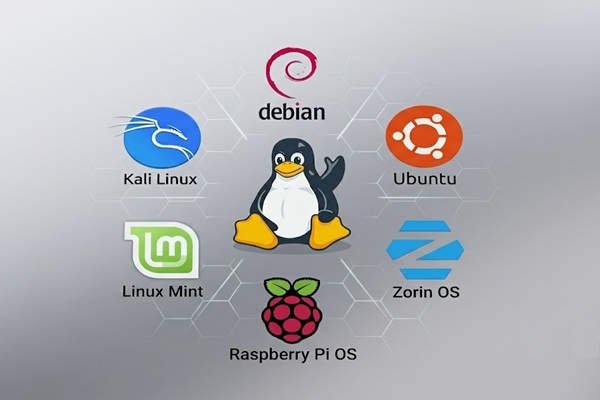
If your computer still works well but can’t run Windows 11, converting it to Linux Mint or another Linux distribution is an excellent way to keep it useful without spending money on new hardware. Linux is secure, fast, and capable of running on computers that are ten to fifteen years old. It works well for everyday tasks such as browsing the web, checking email, paying bills, and streaming media. While Linux has made major strides in gaming thanks to Steam Proton, it still isn’t the best choice for every game or specialized Windows‑only software. This option is ideal for users who want a safe, modern operating system without the cost of new hardware, as long as the programs they rely on are supported.