
|
|
||||||||||
My thoughts on Chromebooks
Limited capabilities and underpowered
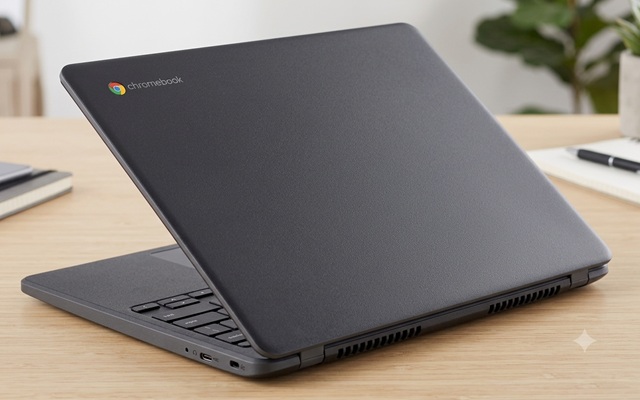
Keywords:
schools, chromebook, applications, businesses,
opinion
Key Takeaway:
Chromebooks are best suited for basic tasks
like web browsing, using Google Docs, and playing simple games that don’t
require much processing power.
Category Insights:
OPINION — This article reflects personal experience and perspective on the
topic.
Overview
Chromebooks are best suited for basic tasks like web browsing, using Google
Docs, and playing simple games that don’t require much processing power. They are
essentially VERY lightweight computers, often described as being like a computer on training
wheels—with the key difference that you can’t remove the training wheels.
This article may upset persons in the educational community but this opinion is
commonly shared by IT professionals.
Hardware
Chromebooks generally have less powerful hardware compared to Windows and Linux
PCs or Macs. Some will tend to run slowly (fresh out of the box) and offer little or no
upgrade options. Most have their memory and storage soldered onto the motherboard board,
making it impossible to upgrade. When a Chromebook becomes outdated, the only choice is to
buy a new one that will also be limited. Perhaps this is another example of planned
obsolescence. I would consider Chromebooks 'throw-away' devices.
Software Restrictions
Another drawback is that Chromebooks only support apps available in the
Google Play Store or cloud based applications. The eco-system is very locked down. You can’t
download software from other websites or use physical disks as you can with other computers.
This severely limits your options. Additionally, Chromebooks have few business applications;
if the app you need isn’t available in the store or cloud based, you’re out of luck.
School Use
It’s somewhat puzzling to me why many schools choose Chromebooks, given that
they aren’t widely used in businesses and don’t prepare students for the professional
world. Nearly all businesses will use Microsoft Office. Yet, Chrome books offer Google Docs
as an alternative. While schools are attracted by their low cost, they’re discovering that
many Chromebook models have limited lifespans with actual expiration dates and need to
be replaced more often. This leads to a significant amount of electronic waste. In
response, some schools are reverting to Windows-based computers.
Last Word
If it were my money, I would spend a bit more and purchase a Windows-based
laptop. Chromebooks are e-Waste out of the box. There I said it. I'm sorry if you
disagree.